
JSON-RPC Application Example
JSON-RPC Application Example
This article uses the Operations Center application as an example to detail how to build and deploy JSON-RPC applications.
Quick Start
Project Overview
This example demonstrates a complete frontend-backend separation architecture, including:
- Frontend: Modern web interface built with Vue.js + TypeScript
- Backend: High-performance service using Unix Domain Socket + JSON-RPC protocol
- Communication: API interfaces based on JSON-RPC 2.0 standard
Project Acquisition
Project Address: app-omc
# Clone project locally
git clone https://github.com/GMSSH/app-omc.git

# Enter project directory
cd app-omc
Environment Requirements
- Node.js: >= 18.2.0 (LTS version recommended)
- Package Manager: pnpm >= 7.0.0 (Recommended) or npm >= 8.0.0
- Python: >= 3.10 (3.10.10 recommended)
- Poetry: Python dependency management tool
Installation and Configuration
1. Install Poetry (if not installed)
# Or use pip
pip3 install poetry
2. Frontend Project Setup
# Enter frontend directory
cd web

# Install dependencies
pnpm install

# Start development server (default port: 3000)
pnpm run dev

# Build production version
pnpm run build

# Preview production build
pnpm run preview
3. Backend Project Setup
# Enter backend directory
cd backend

# Install Python dependencies
poetry install

# Activate virtual environment
poetry shell

# Start development server
python main.py
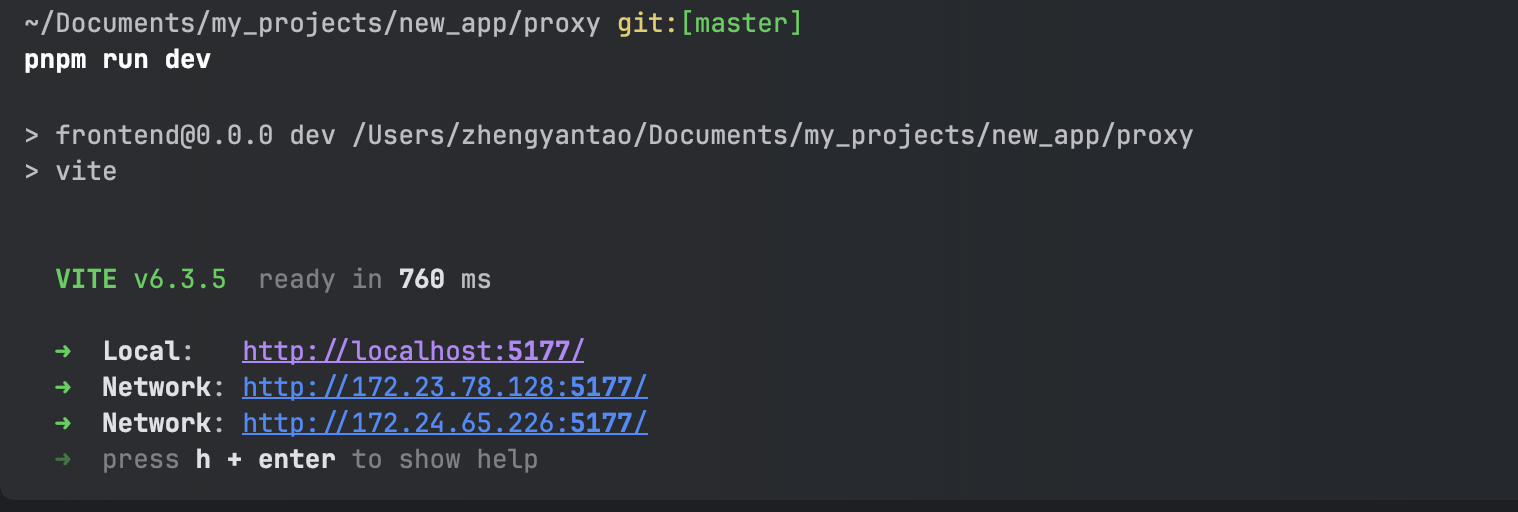
Running Result
After successful startup, you will see the following interface:
Important Notes
Development Environment Requirements:
- Complete frontend display requires opening in GMSSH devtools application environment
- Backend service only supports macOS and Linux systems
- Linux environment is recommended
- GMSSH tools application can be used for debugging and viewing results